
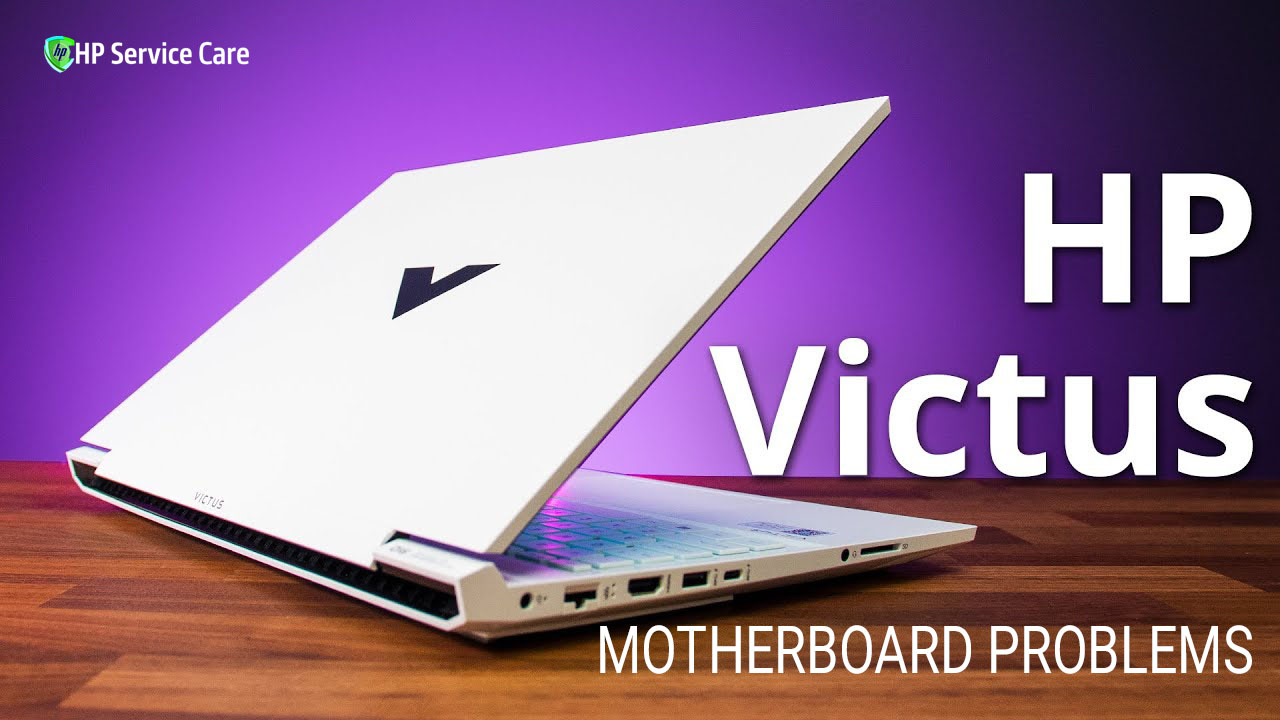
Gaming laptops like the HP Victus often face sudden motherboard issues due to heavy usage, heat, and power fluctuations. When the motherboard fails, the laptop may stop turning on, show no display, or crash during gaming — making it urgent to fix.
At HP Service Care, Kolkata, we provide fast diagnosis, genuine HP parts, and reliable warranty-backed repairs to get your HP Victus running smoothly again.
Table of Contents:
Why the Motherboard Matters
The motherboard is the central hub of your HP Victus laptop. It controls power distribution, connects the CPU, GPU, and RAM, and manages all essential components. It also handles peripherals, storage devices, and important system functions like the BIOS.
When the motherboard develops a fault, your laptop can become unstable, slow, or completely dead. It may even put your data at risk if the system fails during operation. That’s why fixing HP Victus motherboard problems quickly is important for smooth performance and long-term reliability.
Common Symptoms of HP Victus Motherboard Problems
Here are the most common signs that your HP Victus motherboard may be failing:
- No power or no fan spin: The laptop stays completely dead even with a working charger.
- Power LED on but no display: The screen remains black, and the system doesn’t start.
- Beep codes or LED blink patterns: The laptop gives error signals indicating hardware failure.
- Continuous reboot or boot loop: The system restarts repeatedly and fails the POST test.
- Random shutdowns or crashes: The laptop turns off suddenly, especially during gaming or heavy loads.
- Ports not working: USB, keyboard, trackpad, LAN, or other ports stop responding.
- Overheating issues: The laptop heats up even when fans are working, often caused by VRM or sensor faults.
- BIOS problems: BIOS gets corrupted, fails to update, or the laptop gets stuck on the HP logo.
- Graphics glitches or artifacts: Onboard GPU issues lead to distorted visuals or no display output.
If you notice any of these symptoms, your HP Victus motherboard may need immediate diagnosis and repair.
Typical Causes of HP Victus Motherboard Problems
Several issues can lead to HP laptop motherboard failure, and understanding them helps in quick diagnosis:
- Physical damage: Drops, shocks, or liquid spills can create short circuits or corrosion on the board.
- Power surge issues: A faulty charger, unstable power supply, or battery problems can damage VRM components.
- Overheating and thermal stress: Poor cooling, dust buildup, or dried thermal paste can cause critical components to fail.
- Manufacturing defects: Weak solder joints or BGA failures may appear over time, especially under heavy gaming load.
- BIOS corruption: A failed BIOS update, malware attack, or improper shutdown can corrupt the firmware.
- Faulty onboard components: Bad capacitors, MOSFETs, VRMs, or a damaged BIOS chip can interrupt system function.
- Age-related wear and tear: Long-term heat exposure and continuous use can slowly degrade the motherboard.
These causes make timely HP Victus motherboard repair essential to prevent further damage and data loss.
How We Diagnose HP Victus Motherboard Problems at HP Service Care
We follow a detailed and reliable process to identify the exact issue with your HP Victus motherboard:
- Intake & history check: We note all symptoms, when the issue began, and any recent events such as liquid damage, a drop, or a BIOS update.
- Visual inspection: We check ports, connectors, and look for corrosion, burnt marks, or swollen capacitors.
- Power checks: We test the adapter, battery, and DC jack. We also check voltage rails using a multimeter to confirm proper power flow.
- POST and diagnostic analysis: We review beep codes, LED blink patterns, and POST behavior to locate the failure point.
- Component-level testing: We test RAM, SSD, and GPU (if present) to rule out peripheral issues.
- BIOS inspection and reflash: If safe, we repair or reflash the BIOS to restore system stability.
- Thermal analysis: We check heating patterns and use thermal tools to find faulty VRMs, sensors, or heating components.
- Board-level inspection: Using a microscope, we inspect for cracked BGA joints, damaged circuits, or lifted traces.
- Estimate & repair options: We share a clear repair plan, cost estimate, and turnaround time. We guide you on repair vs full motherboard replacement.
After repair, every HP Victus laptop goes through thorough QA testing, boot checks, stress tests, and data safety verification to ensure stable and reliable performance.
Common Repair Options & What They Mean
When your HP Victus motherboard develops a fault, several repair solutions are available depending on the severity of the issue:
- Software / BIOS Fixes:
Sometimes the problem is firmware-related. We perform BIOS reflashing, firmware resets, and CMOS restoration to fix boot failures and BIOS corruption. - Connector & Socket Repairs:
Faulty DC jacks, loose display connectors, or dirty RAM slots can interrupt power and data flow. We clean, repair, or replace these parts to restore stable performance. - Component-Level Repairs:
We replace damaged capacitors, MOSFETs, charging ICs, and reprogram faulty BIOS chips. These micro-level repairs often save the motherboard without needing a full replacement. - BGA Rework / Reballing:
If the GPU or CPU has BGA solder failures, we perform precise BGA rework or reballing. This is a complex, high-skill process with moderate risk, but it can revive dead systems when done correctly. - Full Motherboard Replacement:
When the board has heavy damage or multiple IC failures, replacement becomes the safest option. It ensures long-term stability but depends on part availability and model compatibility. - Data Recovery Considerations:
During board swaps, we carefully protect your SSD/HDD and ensure your data stays safe. If needed, we offer dedicated data recovery support. - Genuine Parts & Warranty:
At HP Service Care, we use OEM or high-quality compatible HP parts. All motherboard repairs and replacements come with a proper warranty for peace of mind.
These repair options help restore your HP Victus to peak performance with safe, reliable, and long-lasting results.
Typical Cost Ranges & Turnaround Times
At HP Service Care, Kolkata, we maintain transparent and affordable pricing for HP Victus motherboard repair. Actual costs depend on the damage level and part availability.
Turnaround time:
- Same-day service for minor issues and quick fixes.
- 2–7 business days for motherboard replacement or complex board-level repairs.
We focus on fast delivery, genuine parts, and high-quality workmanship to ensure your HP Victus laptop performs smoothly after repair.
Warranty & Quality Assurance
At HP Service Care, every HP Victus motherboard repair comes with clear warranty support for your peace of mind. We provide a 30 to 180-day warranty, depending on the type of repair and parts replaced. All parts used are genuine or high-quality OEM components, ensuring long-term reliability.
After every repair, we run complete post-repair testing, including power checks, stress tests, thermal performance tests, and BIOS stability checks. This ensures your HP Victus runs smoothly under real-world conditions.
We also follow strict data safety practices. Your files, personal data, and installed software remain untouched. We always recommend taking a backup before service, but our technicians handle your device with complete security and care.
Preventive Tips to Avoid Motherboard Damage
Protecting your HP Victus motherboard is easier when you follow a few smart habits:
- Use a genuine charger and a surge protector: This helps prevent power surges and voltage damage.
- Keep vents clean: Dust-free vents improve airflow. Use a cooling pad and avoid blocking the bottom of the laptop.
- Stay safe during storms: Shut down the laptop and unplug the charger during thunderstorms. Keep the device away from liquids.
- Handle ports carefully: Do not force any connector. Perform BIOS updates only when you have stable power.
- Opt for regular servicing: Clean the cooling system and replace thermal paste every 1–2 years, especially if you game heavily.
These simple steps can greatly reduce the risk of costly HP Victus motherboard repairs and keep your laptop running smoothly.
FAQs
Q: How can I tell if the motherboard is dead?
If your HP Victus shows no power, no display, no POST, or random shutdowns, the motherboard may be faulty. A full diagnosis is required for confirmation.
Q: Will replacing the motherboard delete my data?
No. Your data is stored on the SSD/HDD, not on the motherboard. We safely back up and protect your data during repair.
Q: Is BGA rework safe?
Yes, when done by trained technicians using professional tools. However, results depend on board condition and chip health.
Q: Do you offer onsite repair in Kolkata?
Yes. We provide onsite diagnosis and basic repairs. Complex motherboard work is done at our service center.
Q: Do you use original HP motherboards?
We use genuine HP parts whenever available. High-quality compatible replacements are also provided with warranty.
Q: How long does diagnosis take?
Basic diagnosis takes 30–60 minutes. Detailed board-level testing may take a few hours.
Q: Can you repair water-damaged Victus motherboards?
Yes. We handle corrosion cleaning, component replacement, and board-level repair for liquid-damaged devices.
Q: Do you offer emergency or same-day service?
Yes. Same-day service is available for minor motherboard issues. Complex repairs may require extra time.
Call to Action
Facing HP Victus motherboard problems? Don’t wait for the issue to get worse. Book a free diagnosis, call now, or WhatsApp us for instant support. Our experts at HP Service Care, Kolkata are ready to help.
🕒 Timing: Monday–Saturday, 10 AM to 8 PM
We also offer diagnostic fee waivers on approved repairs and free pickup in select Kolkata locations. Get your HP Victus repaired fast, safely, and with genuine HP parts.
Local Business Details & Trust Signals
HP Service Care is a trusted HP laptop repair center in Kolkata, known for expert diagnostics and reliable motherboard repairs. Our workshop is equipped with advanced tools and handled by trained HP-certified technicians.
Address: 42, M. G. Road, Karunamoyee, Kolkata, West Bengal
Phone: +91 98317 87449
WhatsApp: +91 98317 87449
Google Business Profile: HP Service Center Kolkata – Laptop and Printer Repairing Care
We maintain a clean, fully equipped service lab with professional repair benches, testing tools, and ESD-safe workstations. Our team is highly rated for fast service, genuine parts, and transparent pricing.
We also offer on-site HP laptop repair support across major Kolkata neighborhoods, making it easy for customers to get quick help without visiting the center. Whether it’s Salt Lake, New Town, Behala, Garia, Howrah, or nearby areas – we ensure fast doorstep assistance.
Choose HP Service Care for trusted, professional, and warranty-backed HP Victus repairs in Kolkata.